
🚀 Unlock the India’s best Power of WhatsApp Automation for Your Healthcare Business
A comprehensive guide for clinic practitioners, hospital OPD managers, and pharmacy owners to streamline operations, boost patient engagement, and grow revenue — all through WhatsApp.
Why WhatsApp Automation Matters for Healthcare
In today’s fast-paced world, patients expect instant, convenient communication. Yet, many small clinics, hospital OPDs, and pharmacies still rely on manual phone calls, paper reminders, and scattered SMS systems — leading to missed appointments, lost prescriptions, and frustrated patients.
WhatsApp automation changes everything. With over 2 billion active users globally and 98% open rates, WhatsApp is the most effective channel to connect with patients. Automation lets you send appointment reminders, share lab reports, process prescription refills, and answer FAQs — all without hiring extra staff.
For a small clinic practitioner, a single automated message can reduce no-shows by 30–50%. For a hospital OPD manager, it can streamline hundreds of daily patient interactions. For a pharmacy owner, it can turn one-time buyers into loyal repeat customers.
Let’s break down how you can implement WhatsApp automation step by step, with real-world examples.
📌 What Is WhatsApp Automation? (Explained Simply)
WhatsApp automation means using software (like a chatbot or API) to send and receive WhatsApp messages automatically, based on triggers or schedules. Think of it as your virtual assistant that never sleeps.
Key Capabilities:
- Scheduled messages — Send appointment reminders, follow-ups, or promotional offers at specific times.
- Auto-replies — Answer common questions instantly (e.g., “What are your clinic hours?” or “How do I refill my prescription?”).
- Interactive menus — Let patients tap buttons to book appointments, confirm visits, or request refills.
- Broadcasts — Send updates (e.g., new vaccine availability, seasonal health tips) to all patients with one click.
- Media sharing — Send PDF reports, images of prescriptions, or video health tips.
Example flow:
Patient books an appointment via your website → WhatsApp bot sends confirmation → 24 hours before, sends reminder with location link → After visit, sends a thank-you message and a feedback request.
🏥 For Clinic Practitioners: Reduce No-Shows & Save Time
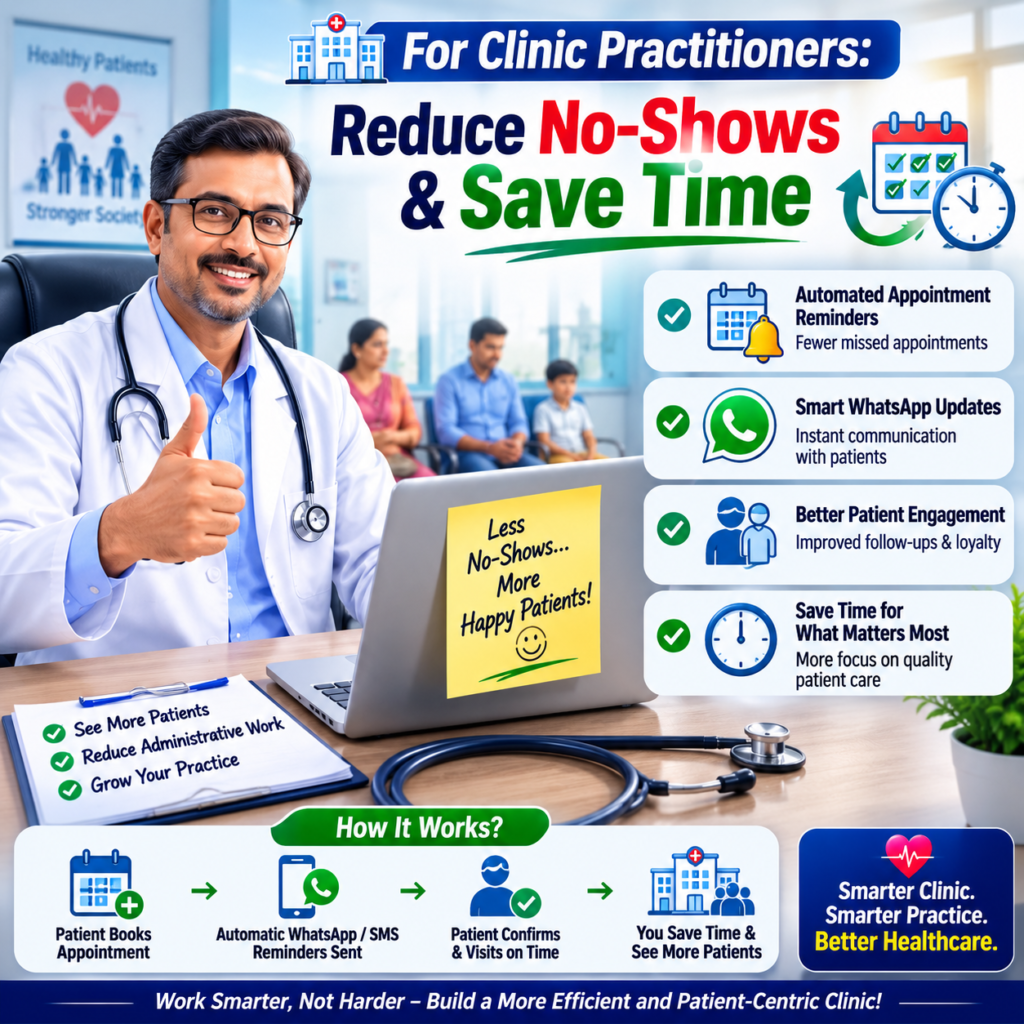
As a doctor running a small clinic, your time is your most valuable asset. Every missed appointment costs you money and disrupts your schedule.
✅ Use Case 1: Automated Appointment Reminders
- Before automation: You or your receptionist spends 30 minutes daily calling patients to confirm.
- After automation: A WhatsApp bot sends a reminder 24 hours before the appointment, with a button to confirm or reschedule.
- Result: No-shows drop by 40%, and your staff saves 10+ hours per week.
✅ Use Case 2: Post-Consultation Follow-Ups
- Send a personalized message after each visit: “Dear [Patient Name], thank you for visiting Dr. Sharma’s clinic. Here’s a link to your prescription. Please take your medicines as advised. Reply ‘YES’ to book a follow-up.”
- Result: Patients feel cared for, and you get more repeat visits.
✅ Use Case 3: Lab Report Delivery
- Instead of waiting for patients to pick up reports, send a secure PDF via WhatsApp. Add a note: “Your blood test results are ready. Please review and consult if needed.”
- Result: Faster turnaround, happier patients.
🏨 For Hospital OPD Managers: Streamline High-Volume Operations
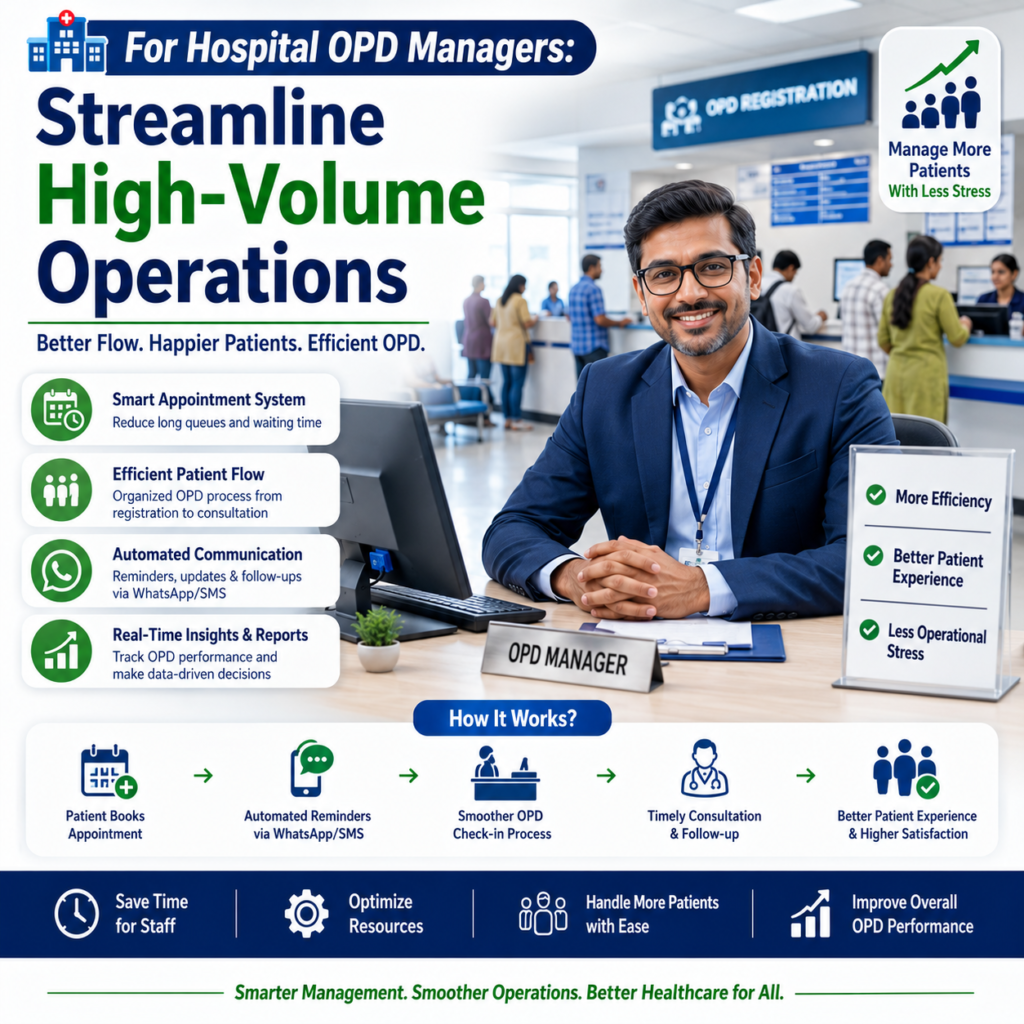
Managing a busy OPD with hundreds of walk-ins and scheduled patients is a logistical challenge. WhatsApp automation can be your command center.
✅ Use Case 1: Patient Queue Management
- Patients can check their queue position by sending “STATUS” to your WhatsApp number. The bot replies: “You are #5 in line. Estimated wait time: 20 minutes.”
- Result: Reduces crowding in waiting areas and improves patient satisfaction.
✅ Use Case 2: Multi-Department Scheduling
- Patients can book appointments across departments (cardiology, orthopedics, etc.) directly via WhatsApp. The bot shows available slots and confirms instantly.
- Result: No more phone tag or missed bookings.
✅ Use Case 3: Automated Discharge Instructions
- After discharge, send a summary: “Your discharge summary is attached. Follow-up appointment is scheduled for [Date]. Please take [Medicine] twice daily. Reply ‘HELP’ for any questions.”
- Result: Reduces readmission rates and improves care continuity.
💊 For Pharmacy Owners: Boost Sales & Build Loyalty
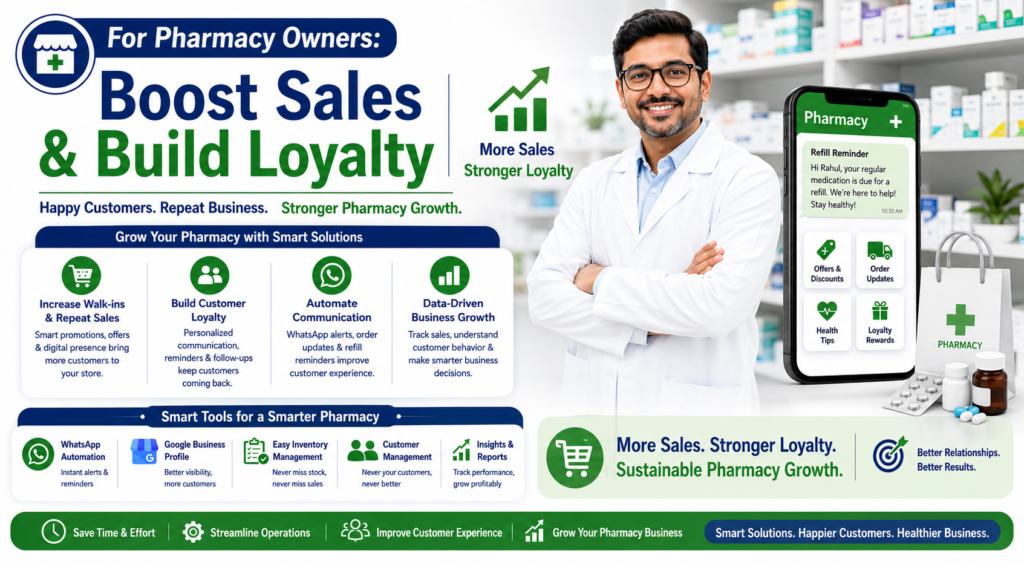
Your pharmacy serves as a trusted health hub. WhatsApp automation can turn every transaction into a long-term relationship.
✅ Use Case 1: Prescription Refill Reminders
- When a patient buys a 30-day medicine, the bot automatically sends a reminder on day 28: “Your prescription for [Medicine] is due for refill. Click here to reorder.”
- Result: Repeat purchases increase by 25–40%.
✅ Use Case 2: New Stock & Offer Alerts
- Broadcast a message to all diabetic patients: “We just received a new batch of [Medicine] at a 10% discount. Order now to avoid stockout.”
- Result: Move inventory faster and increase average order value.
✅ Use Case 3: Health Tips & Loyalty Programs
- Send weekly health tips (e.g., “How to manage blood pressure during summer”) with a link to your store. Offer loyalty points for every purchase.
- Result: Patients think of your pharmacy first when they need anything.
🛠️ How to Get Started: A Step-by-Step Plan
You don’t need to be a tech expert. Here’s a simple roadmap:
Step 1: Choose a WhatsApp Business API Provider
- Use platforms like WATI, Twilio, Interakt, or WhatsApp Business API directly. These comply with WhatsApp’s policies and allow automation.
Step 2: Set Up Your Automation Flows
- Start with one flow (e.g., appointment reminders). Test it with a small group of patients.
- Use a visual builder (no coding required) to create triggers and responses.
Step 3: Integrate with Your Existing Tools
- Connect WhatsApp with your clinic management software (e.g., Practo, ClinicBuddy) or pharmacy POS (e.g., Marg, Vyapar). This ensures data sync.
Step 4: Train Your Team
- Show your receptionist or pharmacy staff how to monitor the bot and handle exceptions (e.g., a patient who types “HELP” instead of pressing a button).
Step 5: Launch & Optimize
- Start with 50–100 patients. Track metrics like open rates, click-through rates, and no-show reduction. Tweak your messages based on feedback.
⚠️ Common Pitfalls to Avoid
- Over-automating — Don’t send too many messages. Limit to 2–3 per week per patient.
- Ignoring privacy — Always get patient consent before sending messages. Use opt-in flows.
- Not testing — Always test your bot with real users before going live. Fix broken links or confusing replies.
- Forgetting human touch — For sensitive issues (e.g., critical lab results), always offer a human handoff option.
📊 Real Results You Can Expect
| Metric | Before Automation | After Automation |
|---|---|---|
| No-show rate | 30% | 10–15% |
| Staff time on calls | 20 hrs/week | 2 hrs/week |
| Patient satisfaction score | 7/10 | 9/10 |
| Repeat pharmacy visits | 40% | 65% |
💡 Final Thoughts: Start Small, Scale Fast
WhatsApp automation isn’t just a tech upgrade — it’s a patient experience revolution. For a small clinic, it can mean more time with patients. For a hospital OPD, it can mean smoother operations. For a pharmacy, it can mean higher profits.
Your next step: Pick one use case from this guide (e.g., appointment reminders) and test it with your most engaged patients. Within a week, you’ll see the difference.
Need help designing your first automation flow? Reply to this blog or contact our team — we’ll guide you through the setup at no cost.
This blog was written by Designs.AI, your partner in digital transformation for healthcare. For custom WhatsApp automation templates, visit [yourwebsite.com].
What would you like to do next?
- Generate a step-by-step automation flowchart for your clinic or pharmacy — I can create a visual diagram you can share with your team.
- Write a sample WhatsApp message script for appointment reminders, prescription refills, or OPD queue updates — tailored to your specific use case.
- Create a checklist PDF for implementing WhatsApp automation in your healthcare business — including privacy compliance and integration tips.